Edit the Excludes File
The excludes file has been discussed at some length for the Play menu Option 2: Play music with defaults. It is a simple text file that contains one composer name per line. If a composer is mentioned in this file, it means Giocoso has a 'hard ban' on randomly selecting anything composed by that composer for play. Note that any other type of play (such as by selection filters or advanced SQL selection) does not read the excludes file and thus composers mentioned in it will be played in those playback modes. We are dealing, therefore, only with a way to modify the default, randomised selection of the next play
Entries in the excludes can be deleted (or commented out) at any time, and then that composer's music immediately becomes randomly-selectable once more.
The excludes file is stored as $HOME/.local/share/giocoso3/txt/excludes.txt. Since it is merely an ordinary text file, you can open and edit it in that folder using any text editor you like. The Administration menu Option 3 we're discussing here provides basic text editing capability from within Giocoso itself, merely as a convenience.
The menu option causes the file to be opened within whatever text editor happens to be configured as the default for your operating system: most Linux distros these days seem to use nano for that purpose, but you can configure any other text editor to be the default by the command export EDITOR=xxxx issued before launching Giocoso; a permanent change to the default editor can be effected by typing the same command into your $HOME/.bashrc file.
Whatever your default editor happens to be, when Administration menu Option 3 is taken, it will open the excludes.txt ready for you to make edits to it:
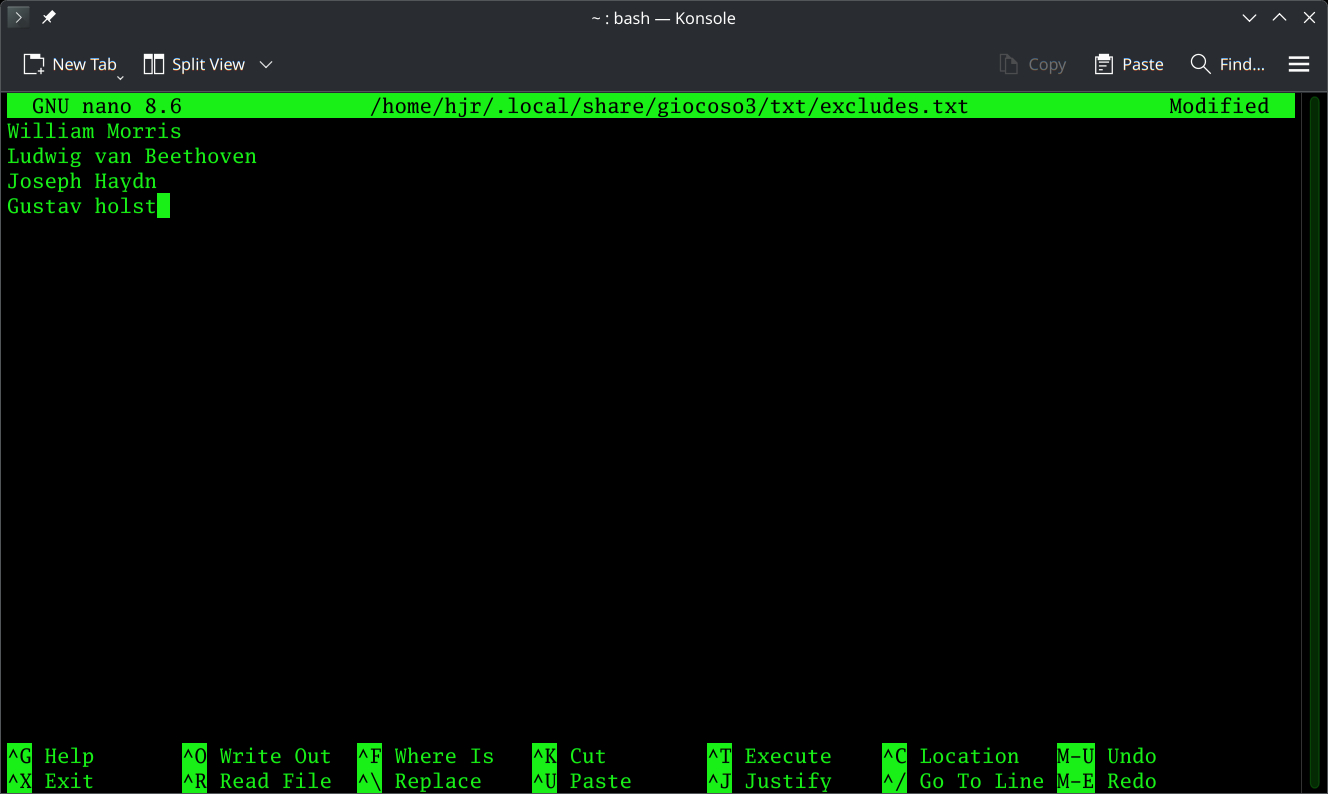
In this case, my default editor is nano, so everything looks green and textual! Had I set the GUI kate editor as my default, taking Option 3 would have produced this result:
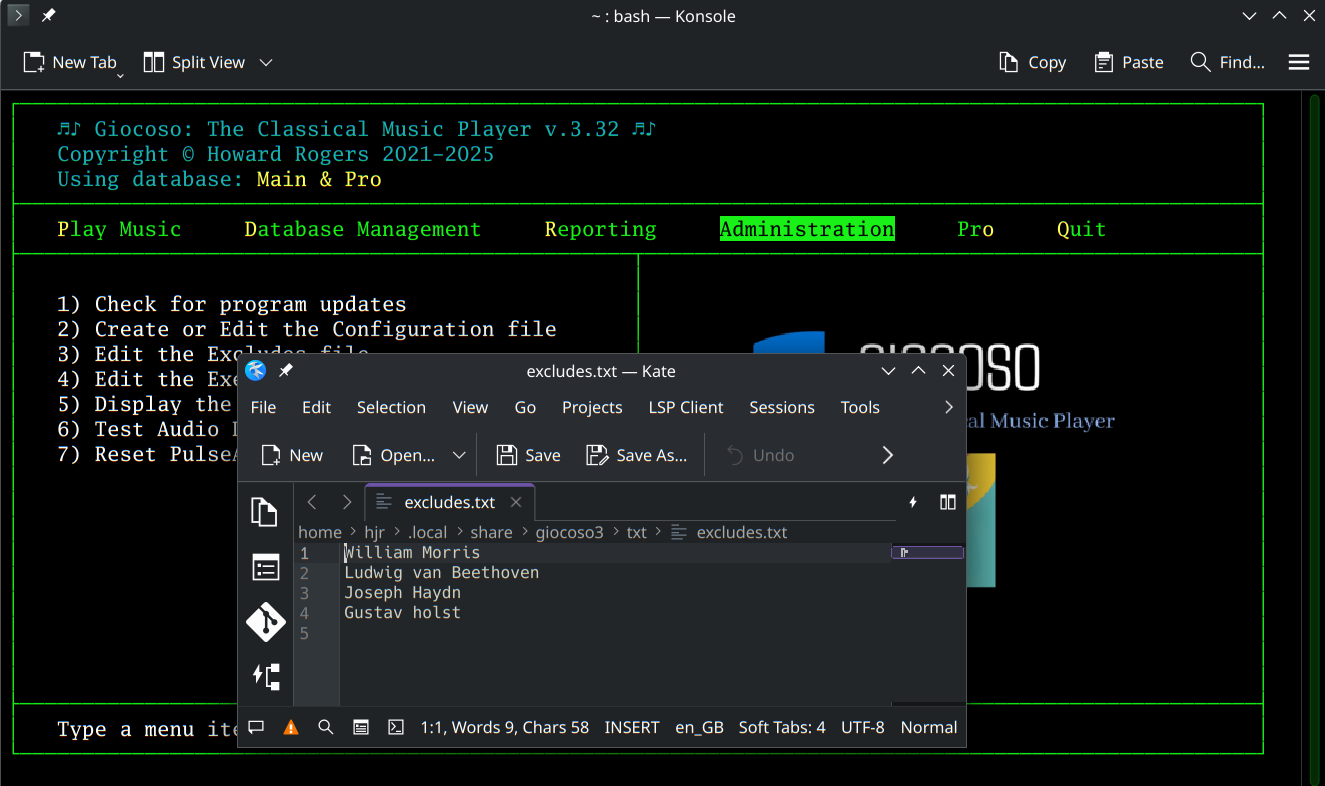
Exactly the same data as before, just opened in a different text editing tool.
Each composer who you definitely and absolutely do not want to be randomly selected for playback needs to be listed on a separate line, spelled exactly as you have tagged your music files. If you have, for example, tagged music with 'Beethoven', then it's pointless to mention 'Ludwig van Beethoven' here: there won't be an exact match and any music that happens to have been tagged as having been composed by “Beethoven” will remain valid for random selection accordingly. As another example of what not to do: you may notice the last line in my file mentions a composer called “Gustav holst”. That's unfortunate, because when I tag music that's by him, I do so with the name “Gustav Holst, with a capital H on the surname. That line of my excludes file is therefore completely pointless and won't stop anything being randomly selected!
Once this file is saved, any changes you've made to it will be applied as soon as the next random selection of something to play is made. You do not have to quit and restart Giocoso to have the changes picked up, for example.
To remove a composer from the 'banned list', you could of course simply delete the line on which that composer's name appears in the excludes.txt. You can also merely comment out the name by sticking a '#' in front of it. Here, for example:

…whilst Wolfgang Amadeus Mozart's name is mentioned in the excludes.txt, his music is randomly-selectable by Giocoso, because the hash symbol at the start of his name means he's no longer considered an active member of the excludes club. Remove the hash and he's back on the excludes list for real, however.
When you've edited the file to your heart's content, use the standard file save tools to write the modified file back to disk. In nano, that means typing Ctrl+X and then tapping 'y' to confirm the save when prompted. Control is then passed back to the Administration menu.
| Back to Software Home | Back to Giocoso Documentation Home | Back to Administration Menu |