Linux Quirks and Notes
1.0 Introduction
The main instructions for installing Giocoso on Linux are to be found in the main, parent article. Some distros will have odd 'quirks' that need addressing before the 'standard install steps' can work, however, and that's what will be documented here.
Obviously, too, issues can arise depending on the desktop environment you choose to use, rather than the distro: the default terminal emulator used by some DEs will work fine with Giocoso… and then sometimes they won't! Those sorts of quirks and issues are also discussed here.
2.0 General Album Art Display Issues
Giocoso likes to display album art whenever music is playing and, by default, it likes to display that album art within the terminal emulator in which Giocoso itself is running. To do that, Giocoso uses what are called “sixel graphics”: if your chosen terminal emulator supports sixel graphics, you'll get album art; if not, you won't. Unfortunately, some terminals that used to support sixel graphics have recently stopped supporting it.
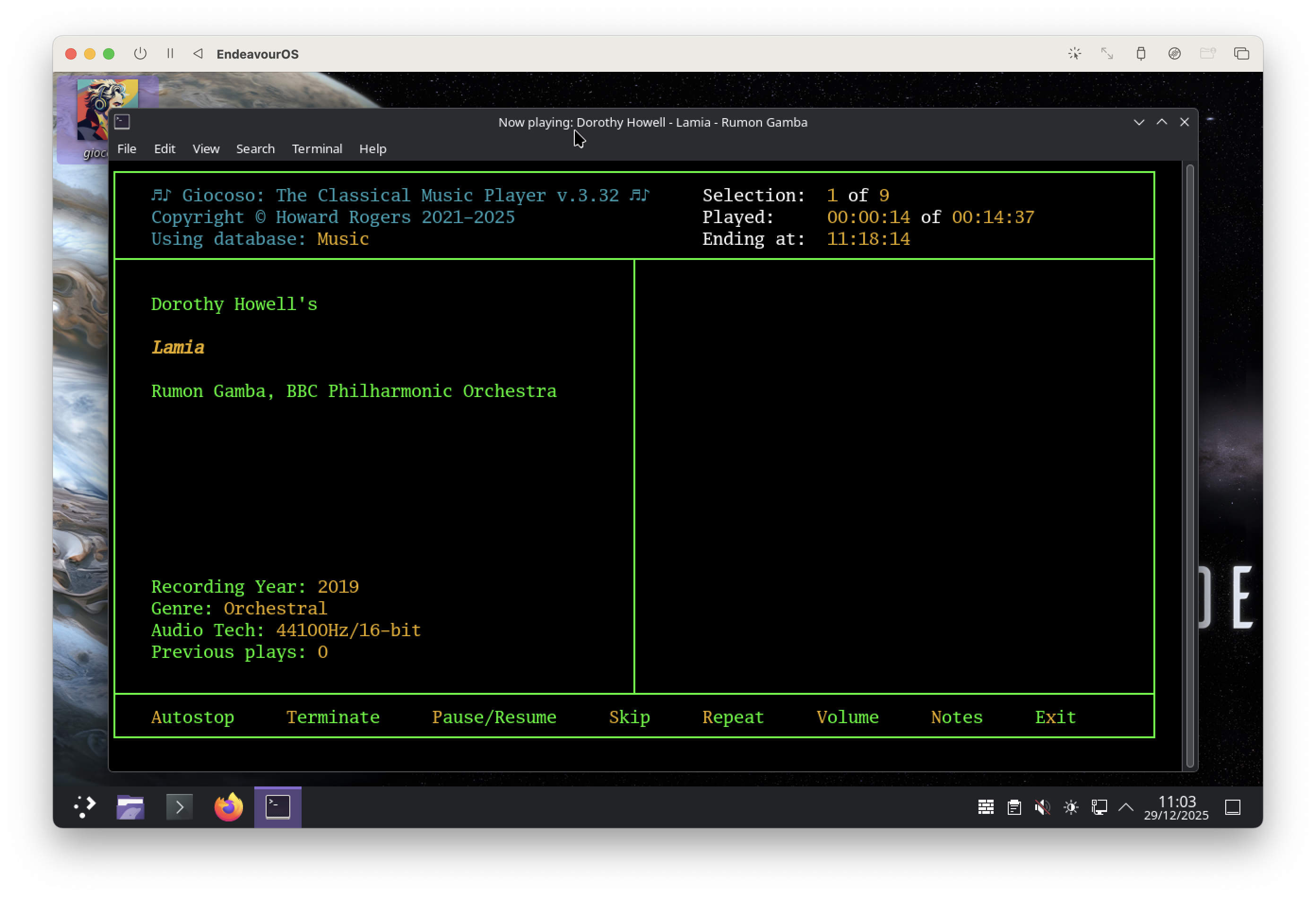
For example, here is a screenshot from Debian 13 running KDE Plasma and with Giocoso running in that desktop environment's default terminal emulator, Konsole:
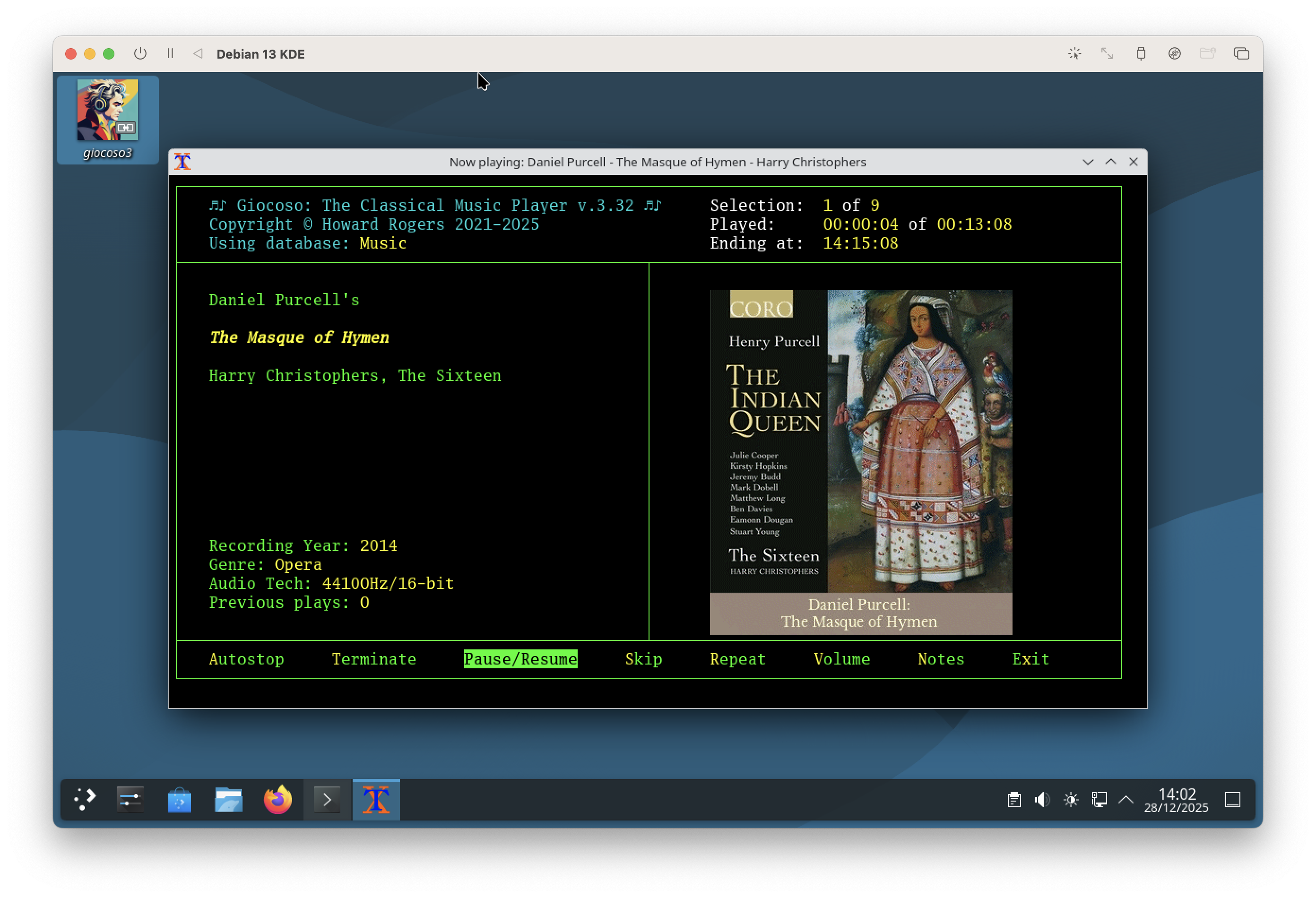
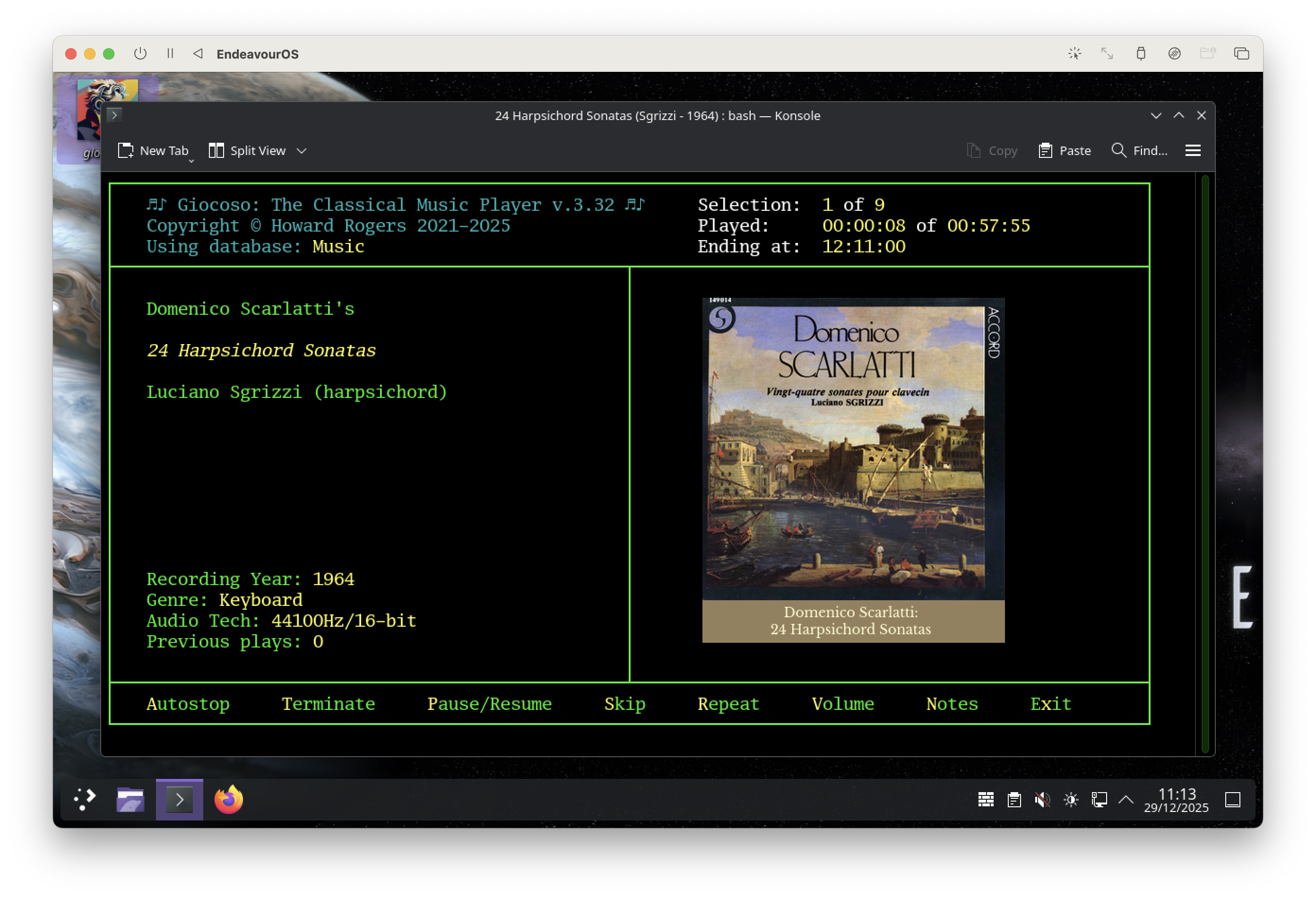
So, Konsole (version 25.04) is quite happy to display sixel graphics. But here's Endeavour OS using KDE Plasma and again running Giocoso in Konsole (version 15.12),
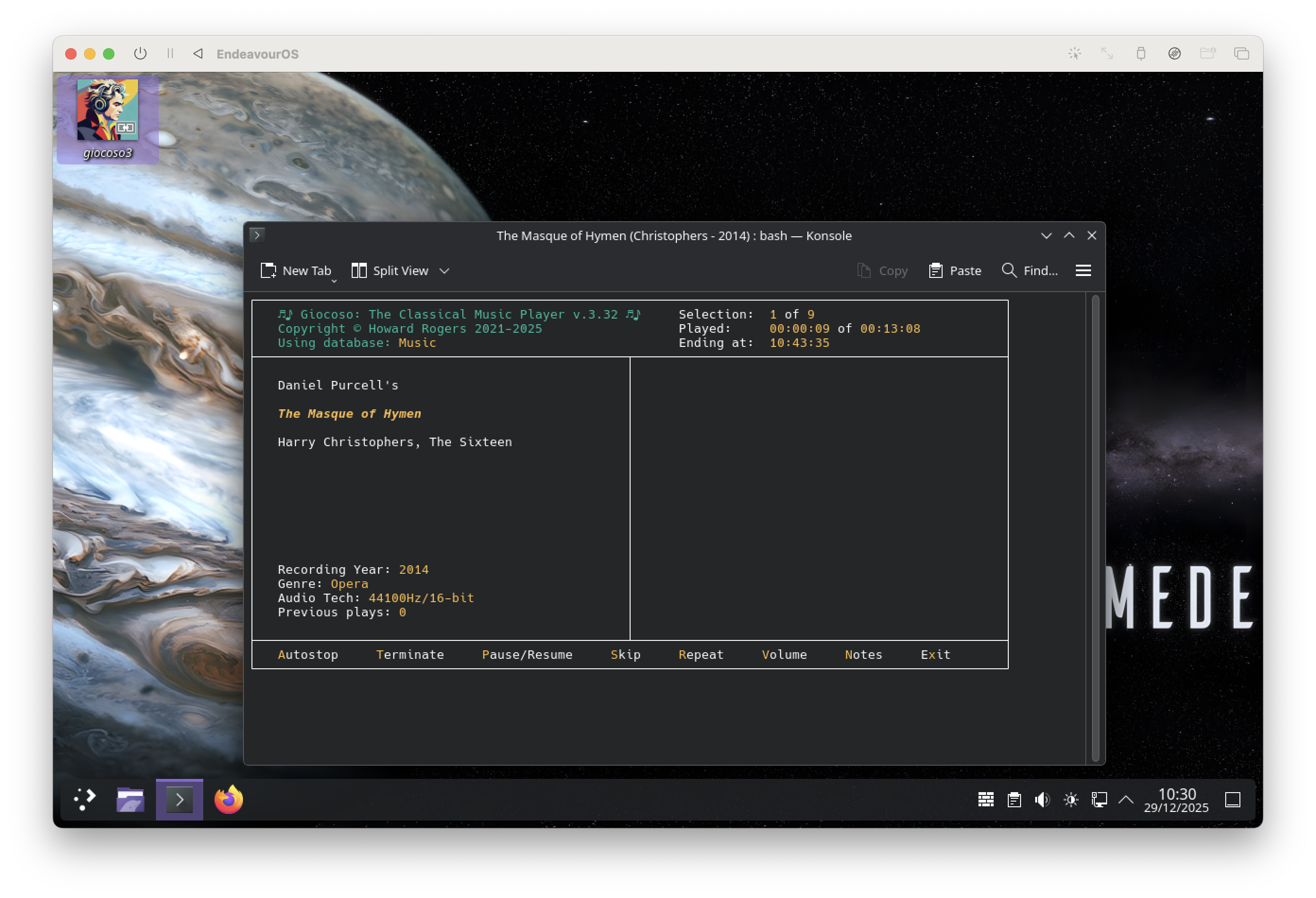
Notice that the music playback is working just fine… but there is no album art on display. Somewhere between April and December of 2025, the Konsole developers stopped compiling the terminal with sixel graphics support. Endeavour OS being a rolling distro based on Arch, its packages are always being kept bang up-to-date and it has therefore picked up the newer version without sixel graphics whereas 'solid, stable' Debian hasn't (yet).
This is not just a KDE/Konsole issue, however. On most distros, the Giocoso installer will leave a launcher icon for Giocoso on your desktop. Double-click on that and Giocoso will launch within the uxterm terminal emulator. Here's Debian running Giocoso in that:
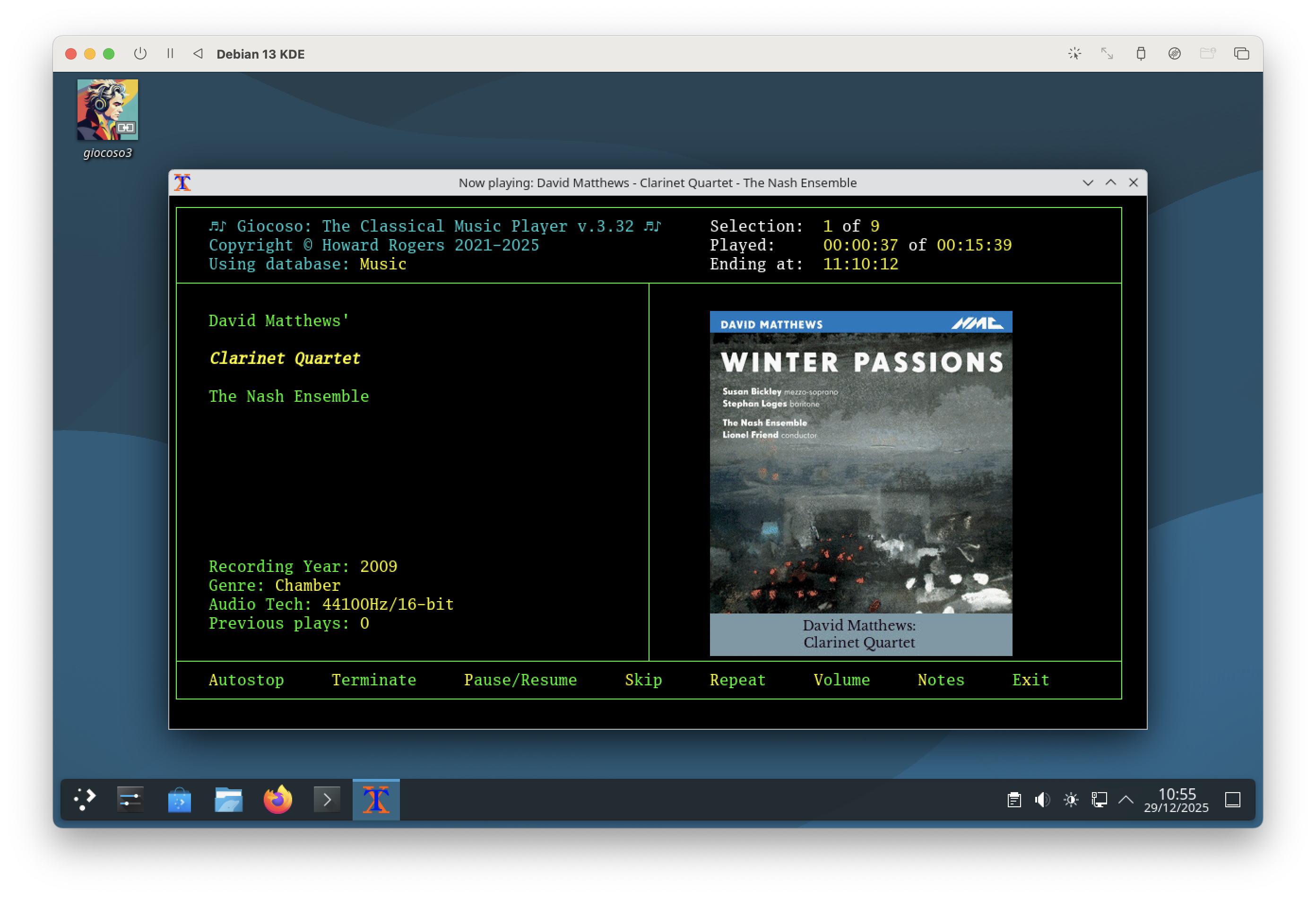
The little 'X' icon in the top left-hand corner of the display shows you that this is uxterm: the presence of album art tells you that Debian's version of uxterm has no problem with sixel graphics. Again, on Endeavour OS that same scenario produces this result:
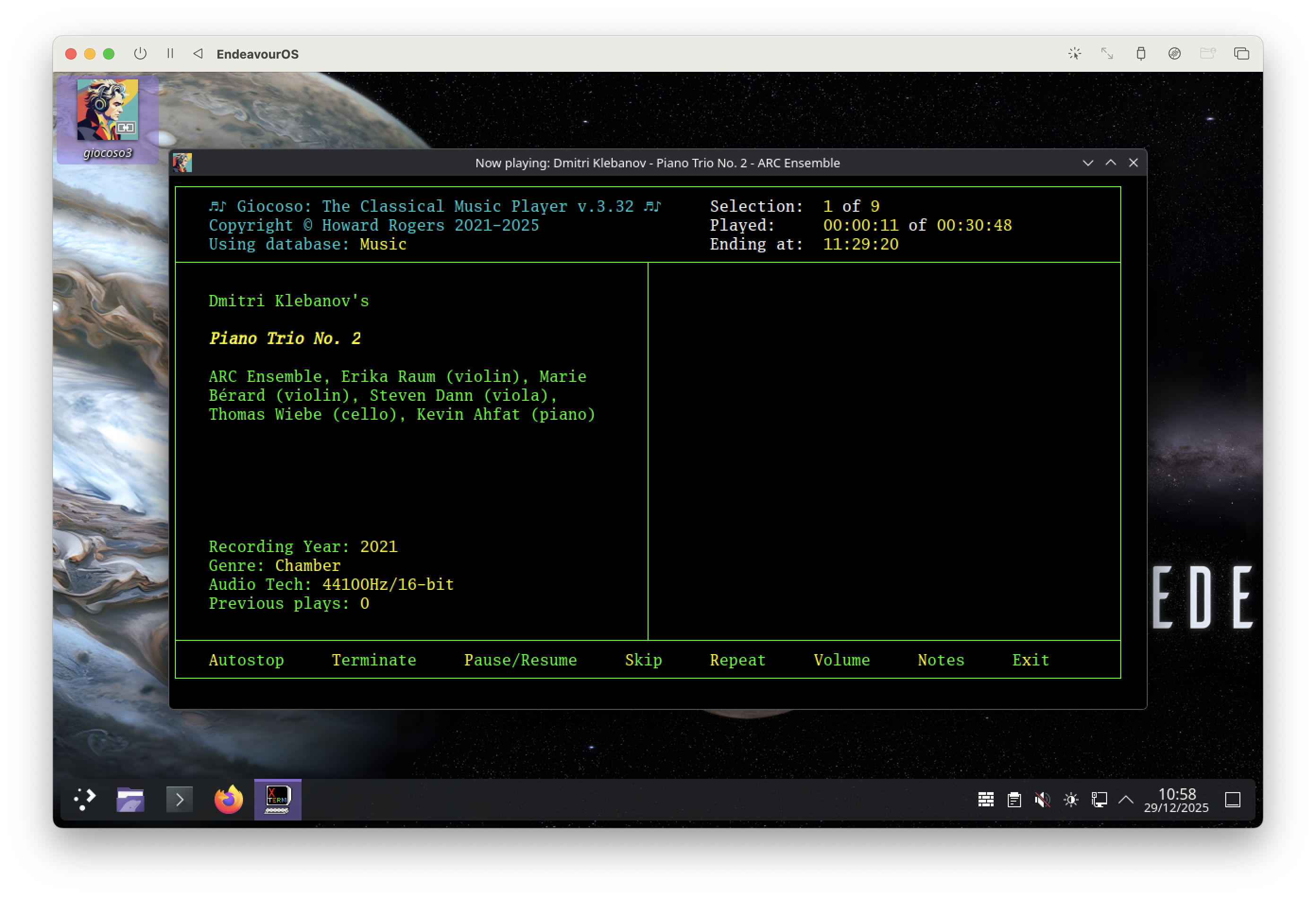
You'll have to take my word for it that that's still Giocoso running inside uxterm, because the 'X' icon has been over-written by Giocoso's own icon. But it is uxterm, this time being unable to display album art.
I hasten to add that this is not a Debian v. Endeavour OS issue. It's not even a KDE v. Gnome or any other desktop environment issue. It all depends on how up-to-date your terminal emulation software is and whether its developers have compiled in support for sixel graphics or not …and that can affect any distro and any default terminal application. Here, for example, is Giocoso running on Endeavour OS inside the Gnome Terminal:
…and again, there's no in-terminal album art. In this case, however, the result of using Gnome Terminal on Debian would be exactly the same: that particular terminal has never supported sixel graphics, to my knowledge.
The issue is therefore one that can affect different distros and different terminals in a slightly unpredictable way. There are a couple of workarounds available to you, however. One is to stop relying on sixel graphics and instead switch to using kitty graphics, which was a capability introduced to Giocoso in version 3.32. You do that by taking the Administration menu, Option 2 and switching the last of the yes/no parameters, Use kitty graphics for in-terminal display, to a value of yes. Do that and Giocoso will attempt to draw in-terminal graphics using a protocol that many terminal emulators that don't do sixel graphics support natively. Here's Konsole in Endeavour OS, for example, after switching on the option to use kitty graphics:
…and, as you can see, Konsole suddenly has no problem displaying album art once more. If you try using kitty graphics in a terminal that doesn't support that protocol, however, the results will be ugly:
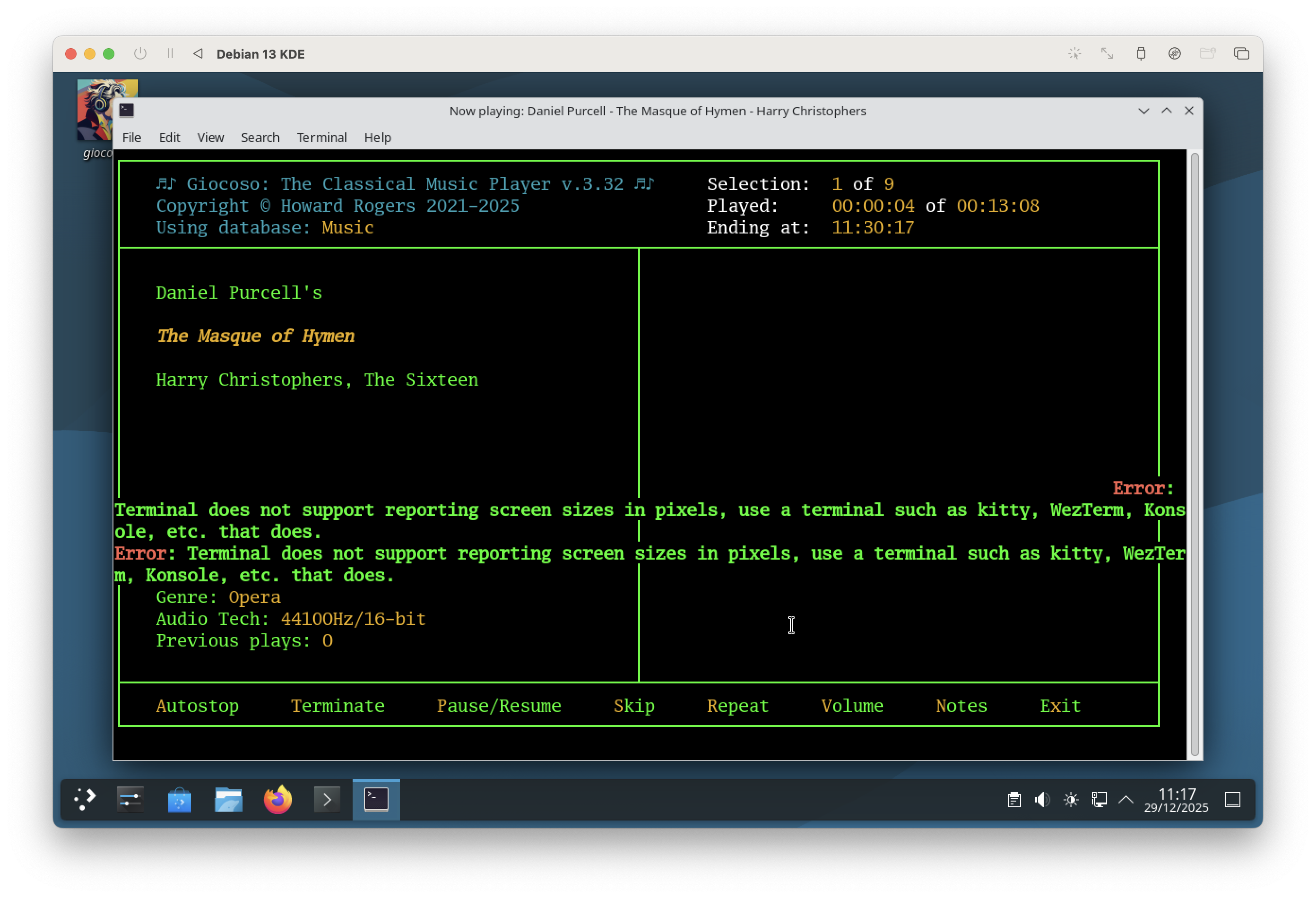
That's Gnome Terminal once more: it doesn't support kitty or sixel graphics!
If you find yourself in a Gnome desktop environment, therefore, you won't find that simply switching Giocoso to using kitty graphics resolves the dilemma. Instead, you'd really need to switch to using the Kitty Terminal, which Giocoso has installed as a dependency since version 3.32: it should be accessible from your standard distro's start menu. Kitty graphics don't have to be used within the Kitty terminal emulator (as the example of kitty graphics working in Konsole showed earlier), but obviously the Kitty Terminal is designed to understand the kitty graphics protocol from the get-go, so it's a reliable fall-back option.
On macOS, I find I need to install the WezTerm terminal emulator (which understands sixel graphics) and not enable the use of kitty graphics. WezTerm is also available for Linux, provided your distro supports the use of Flatpack packaged applications.
Another alternative (though one I find less than satisfactory) is to not use in-terminal display of album art at all: the Administration menu, Option 2 also gives you a chance to set a parameter to 'Display album art in its own window', which is a much simpler proposition, involving no particular graphics protocol dependencies: that option will work on every distro, desktop environment and operating system without a drama.
In Summary: It's not whether Giocoso is working correctly or not; it's not whether you're using a particular OS, distro or desktop environment: it's entirely down to different terminals having different capabilities 'baked in' by their developers and ensuring that Giocoso is configured to exploit those capabilities once you understand what they are.
Konsole used to handle sixel graphics; the latest versions now only seem to handle kitty graphics. Gnome terminal doesn't seem to handle anything these days. Xterm (and uxterm) have variable support for sixel graphics, depending on distro, but zero support for kitty graphics. Whether Giocoso correctly displays album art in-terminal is thus a bit of a lottery, but on all platforms there are a choice of terminals (Kitty and WezTerm, for example) that can handle things properly.